
Fast Capture Flow
Start a full-page capture from the active tab with a single click and review it immediately.
Smart Screen Capture
Smart Screen Capture helps you capture full pages, review them in a built-in viewer, and export what you need without adding a complicated workflow.
Four powerful features in one simple extension
Start a full-page capture from the active tab with a single click and review it immediately.
Scroll and stitch long pages into a single seamless screenshot automatically.
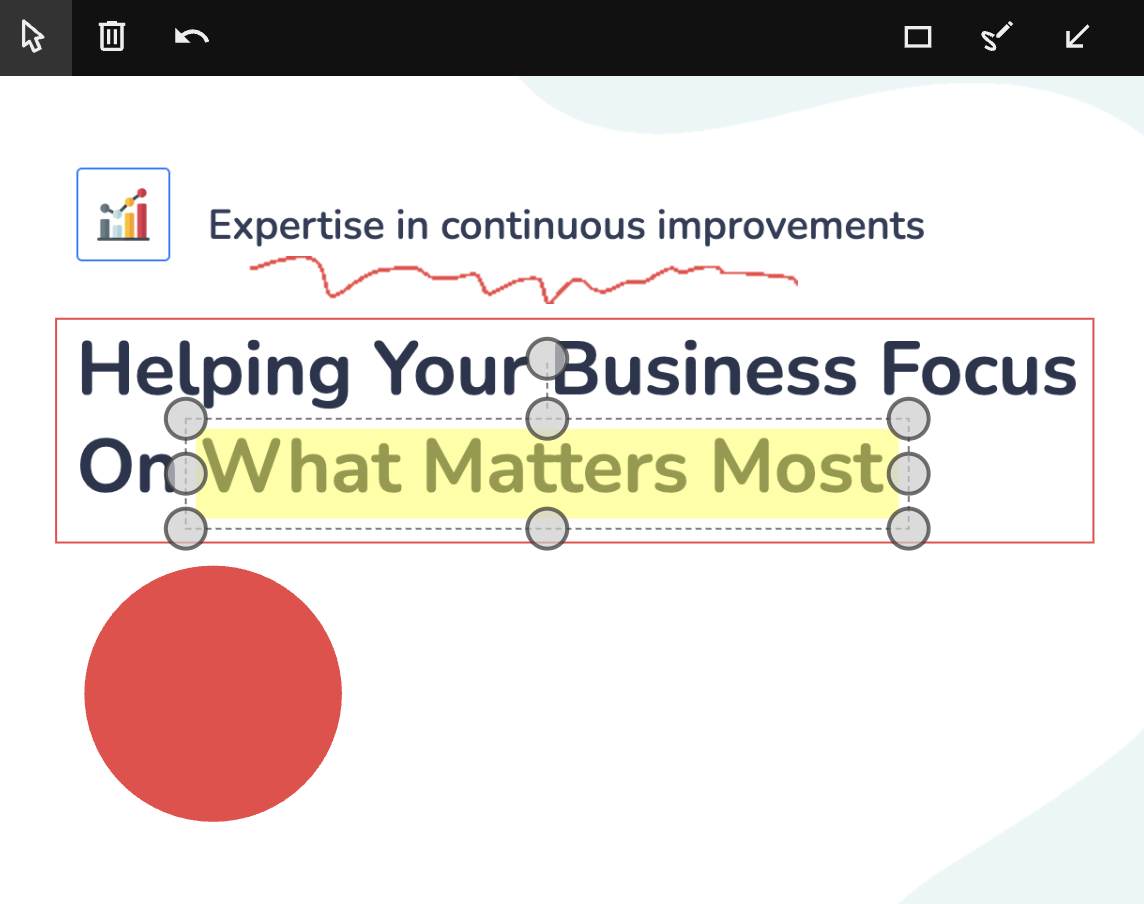
Edit screenshots in the built-in viewer before sharing or saving.
No required upload step. Screenshots stay local in the default flow.
Screenshots of the extension in use


We're here to help. Check out our support page for FAQs, troubleshooting guides, and contact information. Your privacy matters to us too.